Step 01
Choose a PDF tool
Pick the action you need from PDFLab's online toolkit.

Converter

Convert From PDF
Convert To PDF
Convert To JPG
 English English
 Trusted by over 8 million users worldwide for fast, reliable, and efficient PDF solutions.
Edit PDF
The Edit PDF feature lets users quickly modify text and images in PDF documents.
Translate PDF
Instantly translate PDF content into multiple languages while preserving the original layout.
Compress PDF
Reduce PDF file size without compromising quality for easier sharing and storage.
Merge PDF
Combine multiple PDFs into a single, organized document effortlessly.
Split PDF
Split PDF allows you to easily divide a large PDF into smaller, manageable files.
PDF to WORD
Convert PDFs into editable Word documents with high accuracy.
PDF to EXCEL
Extract data from PDFs and convert it into editable Excel spreadsheets.
PDF to PPT
Transform PDFs into editable PowerPoint slides for presentations.
JPG to PDF
Merge images into a single PDF while maintaining high resolution.
PNG to PDF
Turn PNG images into a shareable PDF.
WORD to PDF
Convert Word documents into secure and professional-looking PDFs.
PPT to PDF
Turn PowerPoint slides into PDFs while retaining formatting.
EXCEL to PDF
Convert Excel spreadsheets into easy-to-share PDF documents.
EPUB to PDF
Convert EPUB ebooks into easy-to-share PDF documents.
PDF to JPG
Convert each page of your PDF into high-quality JPG images effortlessly.
WORD to JPG
Convert Word documents into image formats for quick sharing.
PPT to JPG
Save PowerPoint slides as high-resolution image files.
EXCEL to JPG
Transform Excel spreadsheets into image files for enhanced accessibility.
Grammar Checker
An AI-powered grammar checker. Simply paste your text or begin typing below to identify grammatical errors and spelling mistakes in multiple languages.
Paraphrasing Tool
Effortlessly rephrase your text with precision and speed, saving time and enhancing writing efficiency.
Three steps from tool selection to finished file.
Pick the action you need from PDFLab's online toolkit.
Add your file on the tool page and let PDFLab handle the task.
Save the finished document when processing is complete.
Files move through protected upload and download channels.
Processed files can be removed after the document task finishes.
PDFLab runs online, so users can continue from the browser.
Each page is dedicated to one clear PDF operation.
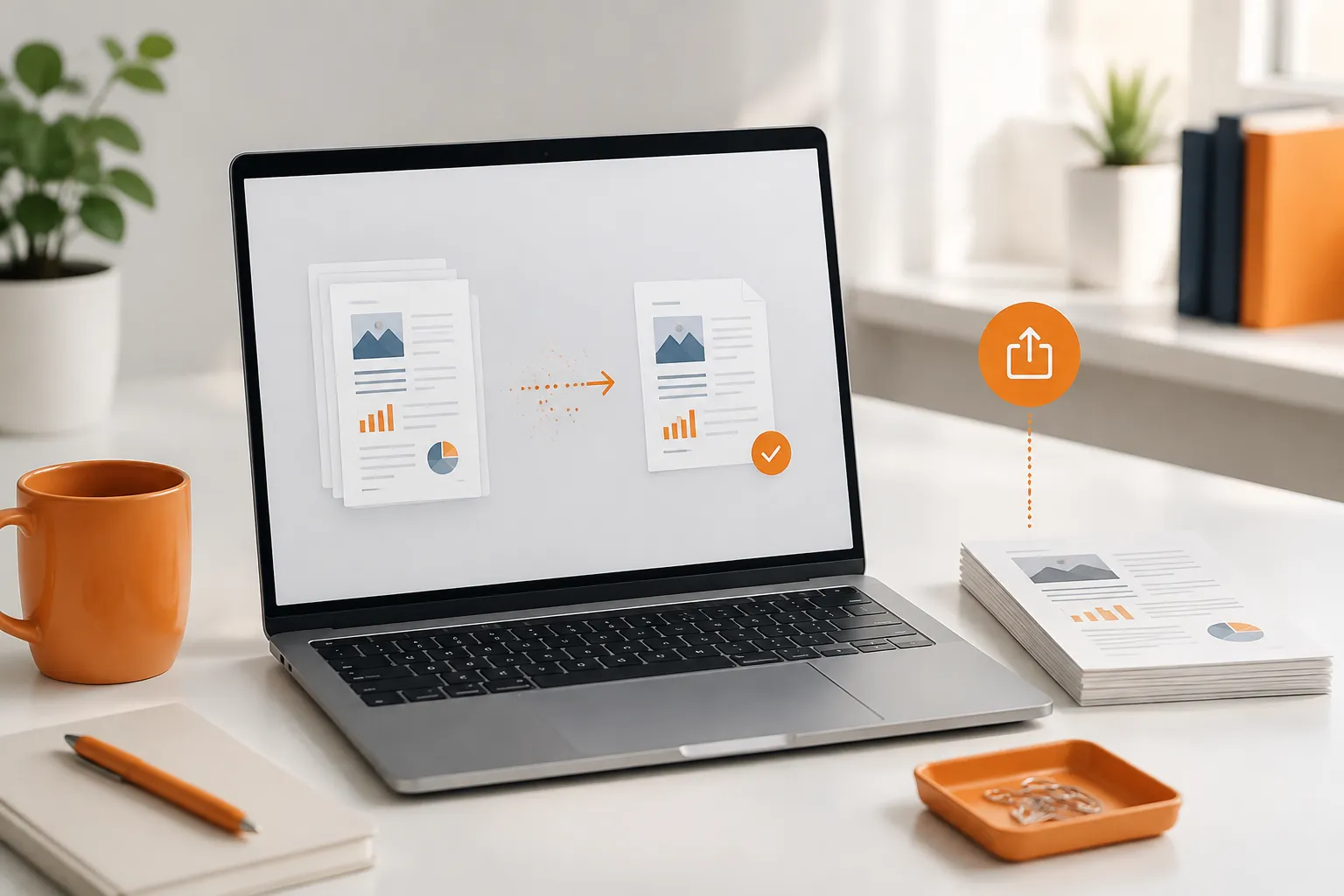
Compress large PDFs and export documents that are easier to send or upload.
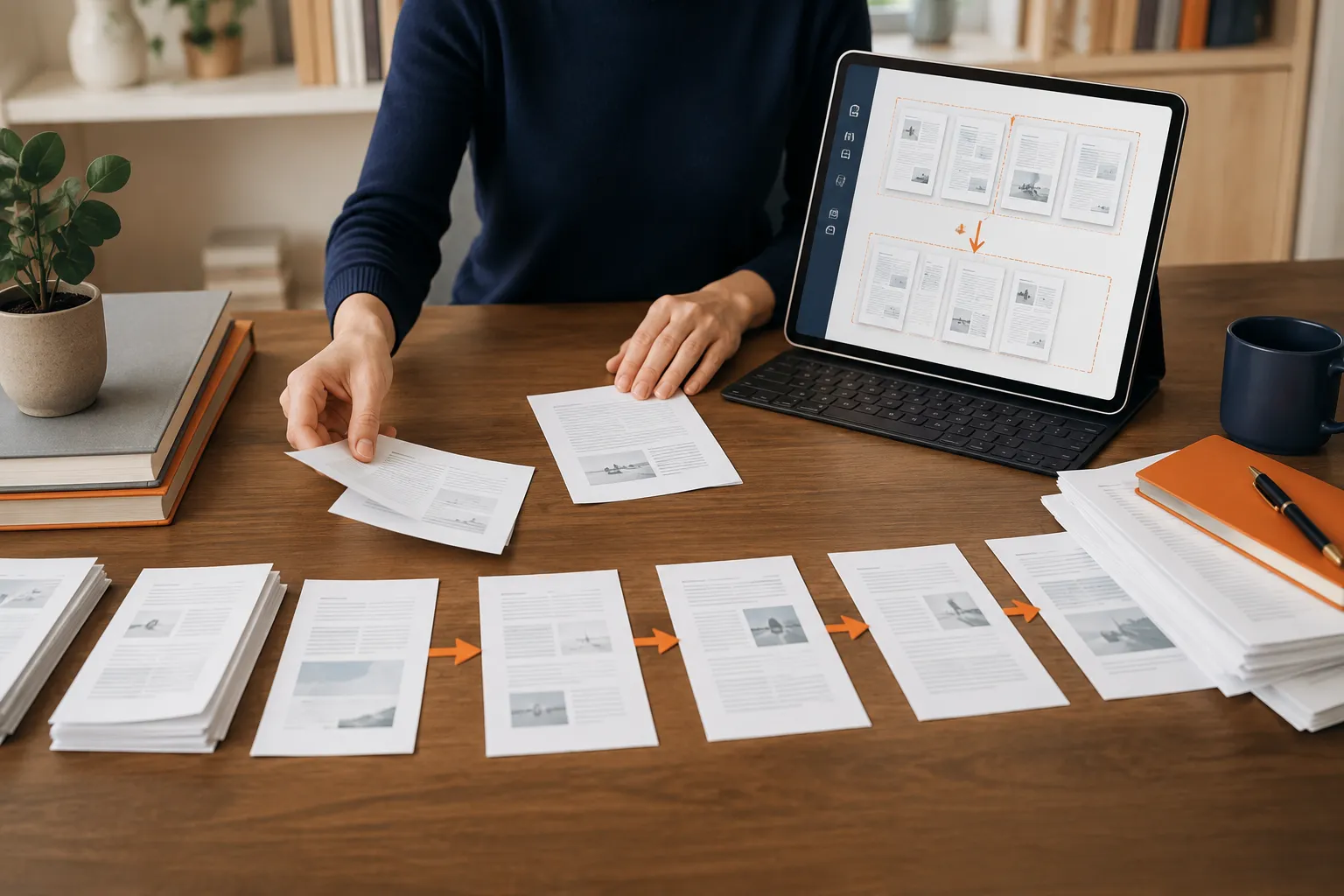
Merge documents, split pages, reorder files, and remove anything unnecessary.
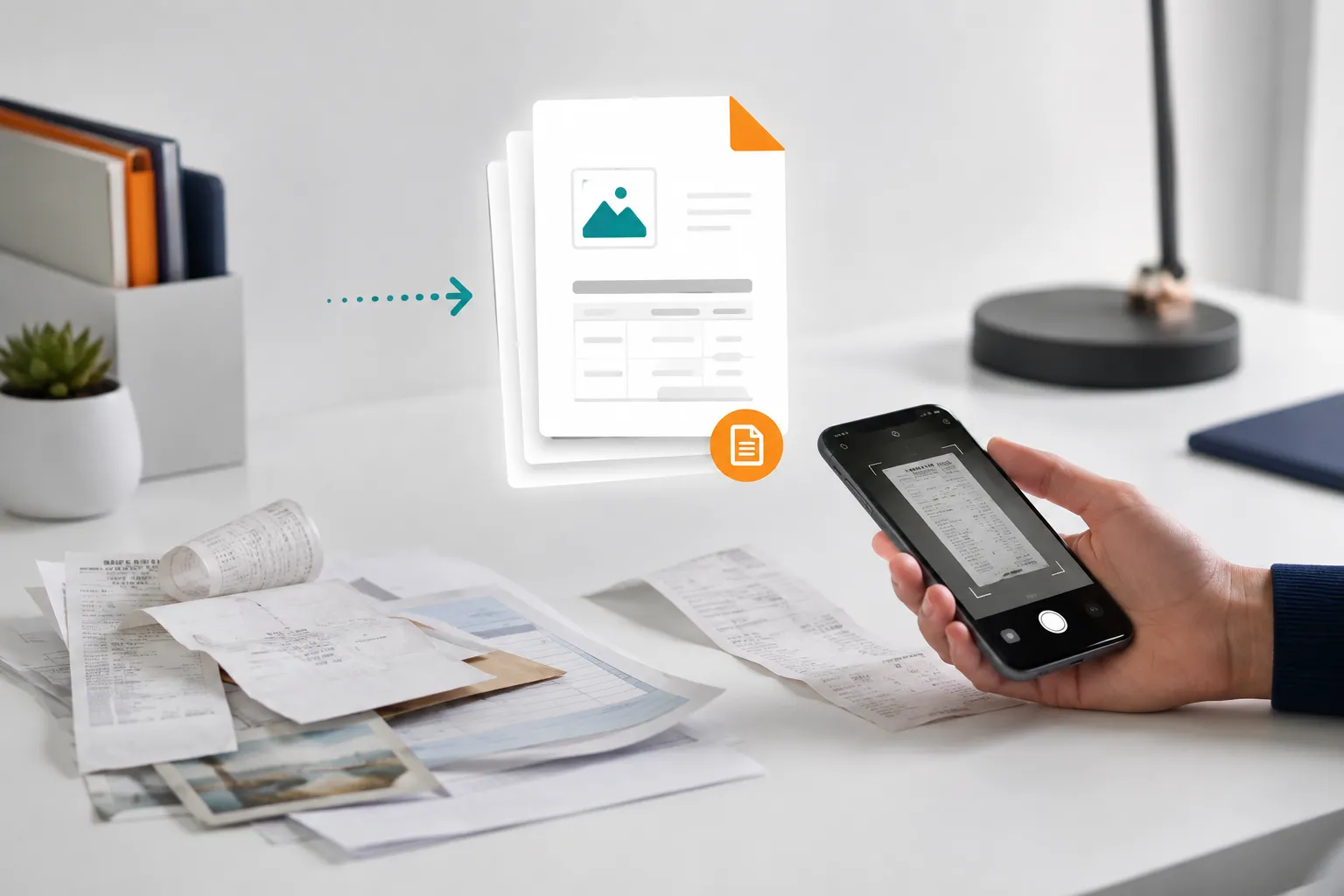
Convert scans, images, receipts, and forms into clean, ready-to-use PDF files.
8 Million
USERS
150 Million
PDFS


